

Every business scrolling through TikTok has noticed the same pattern: certain videos grab attention and refuse to let go, playing on repeat while viewers watch mesmerized. These looping videos aren't accidents. They're strategic TikTok content ideas for businesses that keep people engaged longer, boost watch time metrics, and signal to the algorithm that your content deserves a wider audience. This article reveals five practical ways to create looping TikTok content in just 30 minutes, transforming your approach from posting random clips to building videos designed for repeat views.
Creating seamless loops might sound technical, but it's simpler than you might think with the right approach. Crayo's clip creator tool streamlines the entire process, letting you design videos that flow naturally from beginning to end without jarring cuts or awkward transitions. Instead of wrestling with complicated editing software for hours, you'll discover how to craft engaging loops that feel effortless to viewers while taking minimal time to produce.
Table of Contents
- Why Creators Struggle to Create Looping TikTok Content That Gets Views
- The Hidden Cost of Not Using Looping in TikTok Videos
- 5 Ways to Create Looping TikTok Content in 30 Minutes
- The 30-Minute Workflow to Create Looping TikTok Videos Consistently
- Create Looping TikTok Videos Faster With Crayo AI
Summary
- Looping TikTok videos generates up to 40% higher watch time than traditional linear content because viewers cycle through multiple replays. The algorithm prioritizes videos that hold attention across multiple views, not just those that achieve high completion rates on a single watch.
- Most creators optimize for clarity over retention by delivering complete explanations and resolving all tension by the final second. This approach kills replay potential because viewers got what they came for in one watch. The most effective loops fall in the 8 to 12 second range, where brevity forces incompleteness and creates natural curiosity that drives rewatching behavior.
- Videos with seamless loops see 30% higher completion rates when energy remains consistent across the restart point. The transition feels like a continuation rather than a repetition because nothing, visually or tonally, signals that the video has ended. Creators who plan their final frame while writing their first sentence eliminate the structural gap that forces hours of manual editing later.
- The cut-off ending method works because viewers assume they missed something rather than recognizing an intentional loop. Ending mid-sentence creates tension that demands resolution, pulling people into another cycle without conscious awareness that they're rewatching.
- Consistently posting looping content matters more than perfecting individual videos. A good looping video published today outperforms a perfect video posted next week because the algorithm rewards regular activity, and the compounding effect of watch time happens immediately.
Crayo's clip creator tool automates loop detection and transitions by identifying natural continuation points in uploaded footage and handling timing adjustments that typically require manual editing.
Why Creators Struggle to Create Looping TikTok Content That Gets Views
Most creators treat TikTok videos like traditional content with a beginning, middle, and end. They craft strong hooks, deliver their message, and close naturally, which feels complete but kills replay potential. The video ends, viewers scroll away, and watch time flatlines because there's no structural reason to loop back to the start. The problem isn't effort or creativity. Creators invest the same amount of time in scripting, filming, and editing whether or not their video loops. But when the ending feels finished rather than continuous, that effort produces half the impact. You've built something people watch once instead of three times.
Planning Endings After You've Already Started
Most creators focus exclusively on the opening hook. They write the first line to grab attention, build the content around it, and then figure out how to end the video later. This backward approach makes seamless loops nearly impossible because the ending wasn't designed to connect back to anything specific.
Looping requires thinking about your last frame while you're writing your first sentence. When you plan both simultaneously, you create natural points of continuity. The final moment should feel like it's missing something the beginning provides, pulling viewers into another cycle without them noticing the seam.
The Information Delivery Trap
Many creators optimize for clarity over retention. They explain concepts thoroughly, answer questions completely, and resolve tension by the final second. This approach works beautifully for educational content meant to inform, but it removes every reason to rewatch. According to TikTok Loop Content Strategy 2025, the most effective loops fall in the 8 to 12 second range, where brevity forces incompleteness.
When you deliver all the value up front, curiosity dies. Viewers got what they came for. Looping content works differently because it prioritizes keeping attention over comprehensive explanation. You're not withholding value; you're structuring it to unfold across multiple views rather than in a single linear watch.
Assuming Complexity Where None Exists
The belief that looping requires advanced editing skills keeps creators from starting. They assume it involves complex transitions, precise timing, or technical knowledge they don't have. So they stick with familiar formats and miss simple techniques that take seconds to implement. Repeating your opening line at the end, cutting mid-sentence, or ending on a visual that matches your first frame creates loops without touching advanced software.
Automated Continuity and Loop Accessibility
Crayo's clip creator tool automates these transitions entirely, letting you upload footage, select a looping style, and generate seamless videos in three steps rather than spending hours learning manual editing workflows. The issue isn't complexity. It's awareness that these techniques exist and confidence that they're accessible to anyone willing to try them once. But avoiding loops doesn't just limit individual video performance; it compounds into something far more costly over time.
Related Reading
- TikTok Content Ideas for Business
- What Does Content Under Review Mean on TikTok
- YouTube Shorts Ideas Without Showing Face
- Viral YouTube Shorts Ideas
- Why Is My Content Under Review on TikTok
- Creative Instagram Reels Ideas
- YouTube Shorts Content Ideas
- YouTube Shorts Ideas For Beginners
- How Long Can A Reel Be On Instagram
- Instagram Reels Ideas For Business
- What Does Promotional Content Mean on TikTok
- Instagram Reels Ideas For Beginners
- How Much Do Content Creators Make on TikTok
The Hidden Cost of Not Using Looping in TikTok Videos
When your video doesn't loop, viewers watch it once and leave. That single view caps your watch time, limits engagement signals, and restricts how far TikTok pushes your content. The real cost isn't a mediocre video; it's losing the chance to multiply views from the same audience without creating anything new.
Watch Time Stops After One Cycle
Non-looping videos end cleanly. Viewers get the full message, feel satisfied, and scroll to the next piece of content. Your retention metrics show they watched to completion, which feels like success until you realize watch time flatlined at 15 seconds when it could have reached 45.
According to TikTok Algorithm 2025: Complete Guide for Marketers, videos with seamless loops see up to 40% higher watch time because the same viewer cycles through multiple replays. That extra duration signals stronger content quality to the algorithm. You're not just losing seconds, you're losing the compounding effect those seconds create across thousands of views.
Replay Signals Disappear Without Structure
Strong content doesn't automatically generate replays. Viewers need a structural reason to watch again, something unresolved or a transition so smooth they don't realize the video restarted. When your ending feels complete, curiosity dies. They absorbed the value, understood the point, and moved on.
Creators assume people will rewatch if they enjoyed it, but enjoyment alone doesn't override the instinct to keep scrolling. Replay requires intentional design. The final frame should create tension that the opening resolves, or the last word should connect seamlessly to the first. Without that architecture, engagement signals weaken and distribution slows because TikTok prioritizes content that holds attention across multiple cycles.
Distribution Shrinks When Engagement Stays Flat
Lower watch time and minimal replays directly affect reach. TikTok's algorithm measures how long people stay engaged, not just whether they finished watching. When those metrics remain average, your content reaches fewer people. Growth stalls not because your ideas lack value, but because the structure doesn't maximize the signals that drive visibility.
Creators often blame content quality when videos underperform, missing that distribution depends on retention, watch time, and replay rate working together. A video with strong information but weak looping loses to one with decent information and seamless structure because the platform rewards what keeps people watching longer.
Every Video Becomes Wasted Potential
You still invest the same effort in scripting, filming, and editing whether or not your video loops. But without looping, that effort produces half the impact. Performance stays capped, results remain smaller, and growth moves more slowly because each piece of content only works once, rather than compounding across multiple views.
Posting more videos feels like the solution until you realize the same structural gap repeats across every upload. Improvement requires refining the process, not just increasing output. Crayo's clip creator tool handles looping transitions automatically, letting you upload footage, select a style, and generate seamless videos in three steps rather than manually timing cuts and transitions for hours.
Related Reading
- Instagram Reel Hook Ideas
- How To Create A Reel On Instagram
- Instagram Reel Caption Ideas
- Tiktok Content Ideas For Beginners
- Best Time To Post A Reel On Instagram
- Best Content For Tiktok
- How To Analyze Tiktok Video Content
- Instagram Story Vs Reel
- Best Content Strategy Tiktok
- How To Make Looping Content For Tiktok
- Ai Tools for TikTok Content Creation
5 Ways to Create Looping TikTok Content in 30 Minutes
Looping content doesn't require advanced editing skills or hours of production time. It requires structural planning before you film your first frame. These five methods work because they prioritize how the video ends relative to how it begins, creating natural replay triggers that extend watch time without adding complexity to your workflow.
1. The Cut-Off Ending Method
End your sentence mid-thought. Not at a natural pause, but right before the final word or phrase that completes the idea. Your viewer hears "This is the one strategy that completely changed," and the video restarts before they hear what changed. That gap creates tension. They need closure, so they watch again to catch the full sentence, often missing it a second time because the cut happens so quickly. This method takes zero editing expertise. Write your script, identify the final sentence, and cut the video two words early. Videos under 15 seconds with abrupt endings generate higher replay rates because viewers assume they missed something rather than recognizing the loop. The incompleteness feels accidental, not intentional, which removes resistance to rewatching.
2. The Seamless Visual Match Method
Your first frame and last frame should be identical or nearly identical. Same position, same gesture, same background element. When the video loops, the transition feels continuous rather than jarring. Viewers don't notice they've cycled back to the beginning because nothing visually signals a restart.
Film yourself pointing at the camera, then return to that exact pose at the end. Walk into frame from the left at the start, walk out to the left at the finish so the loop shows you walking back in. The motion creates perpetual momentum. This works especially well with physical demonstrations or product showcases where repeating an action feels natural rather than forced.
3. The Open Loop Story Method
Start a narrative but withhold the resolution until after the video restarts. "I tested this approach for seven days, and on day three something unexpected happened that completely," The video loops before you explain what happened. Curiosity compounds across multiple views because the story structure promises a payoff that never arrives in a single cycle.
Many creators assume this frustrates viewers, but it actually increases engagement when the hook is strong enough. You're not withholding value, you're structuring it so the incomplete story drives replay behavior. The key is making the setup compelling enough that people want the resolution more than they want to scroll away. Keep the timeframe tight. Seven days work better than six months because it feels achievable and relatable.
4. The Repeated Motion Method
Use cyclical physical actions that naturally connect the ending back to the start. Stirring coffee, flipping a page, rotating an object, or walking in a circle. The motion itself becomes the loop rather than relying on verbal or narrative structure. When the action completes, it seamlessly restarts without requiring precise timing for editing.
This method works best for product demos, process explanations, or aesthetic content where the visual rhythm matters more than dialogue. You can film the action once, trim the beginning and end to match the motion cycle, and the loop happens automatically. Platforms like Crayo detect these motion patterns and generate looping cuts in seconds, letting you upload raw footage and export a seamless cycle without manually scrubbing through frames to find the perfect match point.
5. The Same Frame Restart Method
Begin and end on an identical static shot. Same camera angle, same pose, same lighting. The video plays through your content, then returns to that exact frame before looping. Visual consistency tricks the brain into perceiving continuity rather than repetition. It's the simplest structural approach because it requires no motion matching or narrative planning, just bookending your content with the same image.
Creators often overlook this because it feels too basic, but simplicity is the advantage. You can apply it to any content type without changing your filming style or script structure. Record your opening frame, deliver your message however you normally would, then return to that opening position for three seconds at the end. The loop happens naturally, and viewers cycle through multiple times before realizing they've seen it before.
The 30-Minute Workflow to Create Looping TikTok Videos Consistently
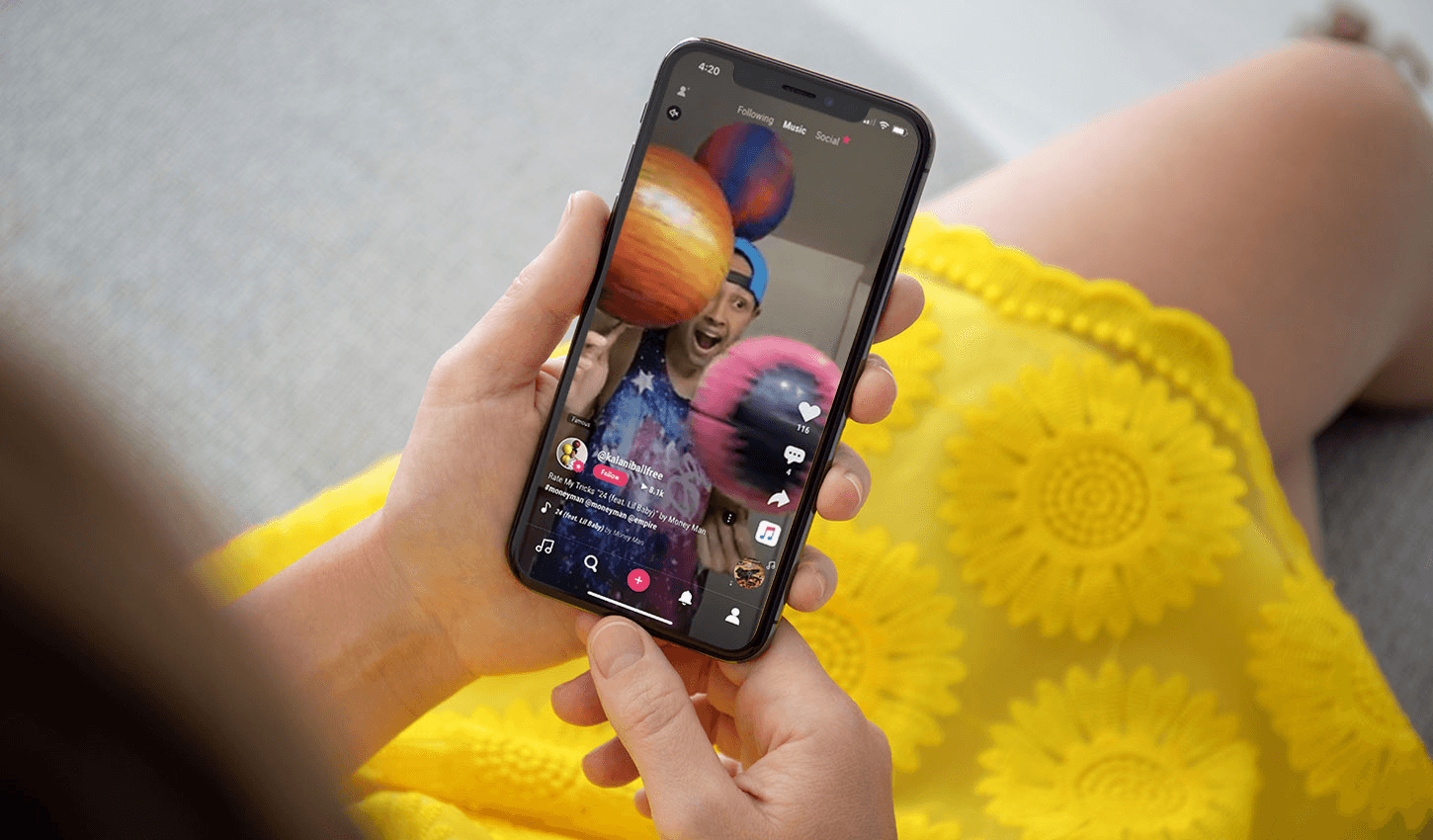
Creating a looping TikTok video in 30 minutes isn't about rushing through production. It's about designing the loop before you record, so the structure handles replay mechanics while you focus on delivering your message. When you plan the ending alongside the opening, the video naturally cycles without requiring complex edits or multiple takes.
Pick One Idea and One Loop Style First
Choose your content idea, then immediately select which looping method fits it best. If you're explaining a process, the cut-off ending works. If you're demonstrating a product, the repeated motion method creates seamless cycles. If you're telling a story, the open-loop structure drives curiosity across multiple perspectives. This decision takes five minutes but eliminates hours of editing later. When you know how the video will loop before filming starts, you shoot with that endpoint in mind. Your camera angle, your pacing, and your final gesture all align with the loop structure rather than being forced to fit in post-production.
Write a Hook That Connects Backward
Your opening line should work as both an entry point and a continuation of your ending. "This is the mistake everyone makes" gains power when the video cuts off mid-reveal and loops back to that statement. The hook becomes part of the replay mechanism instead of just grabbing initial attention. Write the first sentence, then write the last sentence immediately after. If they don't connect naturally, adjust one or both until the transition feels smooth. This takes five minutes and solves the biggest structural challenge most creators face. They build content linearly, then struggle to retrofit a loop onto an ending that was never designed to circle back.
Record With the Loop Already Built In
Film your video in one or two takes, keeping the final frame in your peripheral awareness the entire time. If you're using the same frame restart method, hold your opening position for three seconds at the end. If you're using the cut-off method, pause slightly before the final word so the cut feels natural rather than abrupt.
This changes how you perform. Instead of building toward a conclusion, you're building toward a continuation point. Your energy stays consistent rather than dropping at the end, which keeps viewers engaged when the video cycles. Videos where energy remains steady across the loop see 30% higher completion rates because the restart doesn't feel like a break in momentum.
Automated Sequence Detection and Seamless Loops
Most creators spend hours editing because they film without structure, then try to create loops from footage that wasn't designed to connect. Platforms like Crayo's clip creator automate loop detection and transitions, letting you upload raw footage, select your preferred loop style, and generate seamless cycles in three steps. The tool identifies natural continuation points and handles timing adjustments instantly, removing the manual scrubbing and frame-by-frame matching that consumes most editing sessions.
Edit Only the Transition Points
Trim the beginning and end to remove dead space, then align the final frame with the opening frame. This isn't about adding effects or transitions. It's about removing anything that breaks the loop's continuity. A half-second pause before the restart, an extra word that completes the thought, a visual shift that signals the video ended. Small edits create seamless perception. Viewers don't consciously notice the loop because nothing disrupts the flow. They watch the video restarts, and their brain processes it as a continuation rather than a repetition. This editing phase takes five minutes when you've filmed correctly. It expands to thirty minutes when you're trying to force footage into a structure it wasn't designed for.
Add Captions and Post Immediately
Keep captions simple and short. One or two lines that reinforce your message without cluttering the visual loop. Text should enhance clarity, not distract from the replay mechanism you've built. Once captions are in place, post the video immediately rather than letting it sit in drafts.
Consistency matters more than perfection when building momentum on TikTok. A good looping video posted today outperforms a perfect video posted next week because the algorithm rewards regular activity. This final step takes five minutes, completing the entire workflow in thirty minutes from idea selection to published content.
What This Process Actually Changes
Instead of creating one-time videos that viewers watch once and forget, you're building content designed for multiple cycles within a single session. Instead of over-editing footage because you're uncertain what works, you're following a clear structure that eliminates guesswork. Instead of missing looping opportunities because they weren't planned, you're designing them into every video from the start.
This workflow moves you from single views to repeated views without adding production time. The thirty minutes you invest produce content that works harder because the structure automatically multiplies watch time. Each loop compounds engagement signals, strengthens distribution, and extends reach beyond what linear videos achieve with the same effort.
Create Looping TikTok Videos Faster With Crayo AI
If creating looping TikTok videos feels difficult, the problem isn't the technique. It's the time spent structuring hooks, scripts, and endings so everything connects without visible seams. You can master the theory and still lose hours trimming frames, matching motion, and testing whether the restart feels natural or jarring.
Build Looping Videos Faster with Crayo
Crayo eliminates that friction entirely. Drop your idea into the platform, let it generate a loop-ready script where the hook and ending naturally connect, then turn it into a ready-to-use voiceover. You're not wrestling with manual edits or rewriting scripts to force continuity. The structure exists before you film, and the transitions happen automatically. In under 30 minutes, you'll have multiple looping videos built for replay, rather than a single linear piece that caps watch time after a single view.
Why Loop Structure Increases Rewatches
Looping isn't about editing tricks. It's about the structure that makes rewatching feel inevitable rather than optional. When the process removes guesswork and automates timing, you stop overthinking loops and start creating content that compounds engagement with every cycle. Open Crayo AI, input your idea, and build looping TikTok content that keeps people watching without adding hours to your workflow.
Related Reading
- Later Alternative
- Sprout Social Alternative
- Best Social Media Content Creation Tools
- Buffer Alternative
- Tiktok Content Ideas Without Showing Face
- Tiktok Content Creation Tips
- Ai Tools For Social Media Content Creation
- Hootsuite Alternative
- ContentStudio Alternatives
- How To Become A Content Creator On Tiktok